By Bruce Walker • December 10, 2020
Everyone wants their TV mounted. It’s part of our ancestry. If you go look in prehistoric caves, the paintings by the cavemen are up on the wall, not on a stand in the corner!
Every TCL TV mounts on the wall. But before you get started, there are a few things you should know.
First, if you’re unsure or uncomfortable about mounting a TV yourself, be sure to hire a professional. There’s nothing worse than watching a TV that has the left side 1-inch lower than the right, or worse, a broken TV because it wasn’t mounted properly.
How to Choose a TV Mount
One of the questions I hear most is: “What mount should I get?” Since there are literally thousands of mounts from which to choose, I’ll only offer some general tips. There are basically 3-types of mounts; fixed, tilt and articulating. Respectively, they’ll place your TV flat against the wall, tilted down, or on an arm allowing it to swivel and pivot so that the TV can be viewed from different areas in the room. Each has their pros and cons:
-
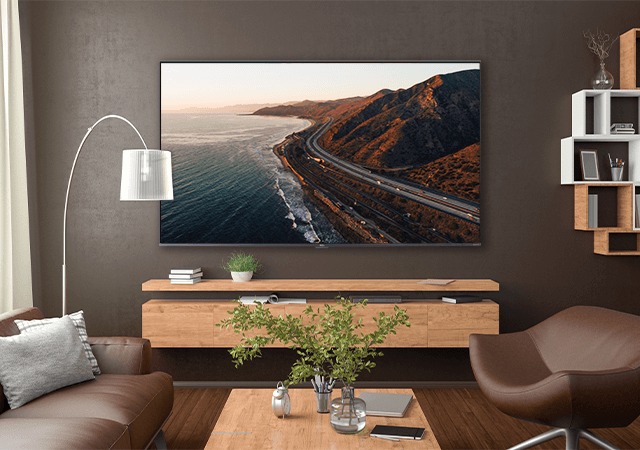
Fixed mounts are generally going to be the most low-profile, often putting the TV nearly flush against the wall. This lends that “art hung on the wall” look.
-
Tilt mounts are ideal for when your TV might be a little higher up, when angling it downward will give you better picture performance. This position, however, may come at a cost of not being quite as flush against the wall.
- Full-motion mounts give you the ability to swing the TV around to the optimal viewing position. These mounts also allow for better power and data management since the back of the TV is easily accessible.
Find the Right Mount for Your TV
The other general factor to consider is making sure the mount will attach to the TV properly. TV and mount manufacturers have established what is called VESA (Video Electronics Standard Corporation) patterns used by TV and mount manufacturers to ensure compatibility.
While choosing a mount by size (i.e. a mount labeled “for 32”- 50” TVs, for a 49” TV, etc.) will work, you’ll always want to double check. On all TCL TVs, looking at the specs will show you the correct VESA pattern, represented in millimeters for width and height.
For example, our 50S535 has a 200mm x 200mm VESA pattern. If you want to avoid looking it up, just grab a tape measure, and measure the four "square" (or occasionally rectangular) mounting holes centered horizontally on the back of your TV.